Fun facts: Arctic wolves

Hey guys! Delocate here with a fun facts article, today we will be looking at the gorgeous arctic wolves!

IMG_0665.jpeg

So, let's start with the basics! The arctic wolf (sometimes also known as the white wolf or polar wolf) is a subspecies of the gray wolf, typically native to the Queen Elizabeth's Islands, Canada. 

They are generally smaller than your average wolf, which makes them all the cuter! Their diet mainly consists of arctic hares and muskoxen (as seen in the photos below). They are also sometimes seen to be scavenging through garbage, depending on where the wolf actually lives (maybe nearer to urban cities if they're going through garbage).

Arctic wolves are generally unafraid of people, and they can sometimes even be urged to approach people in some situations. Some of the wolves found on Ellesmere Island don't fear humans and usually approach them with caution and curiosity.

Luckily the arctic wolf is of least concern when it comes to being endangered. Despite suffering a short period of decline in 1997, they soon restored their basic population once weather conditions returned to normal.

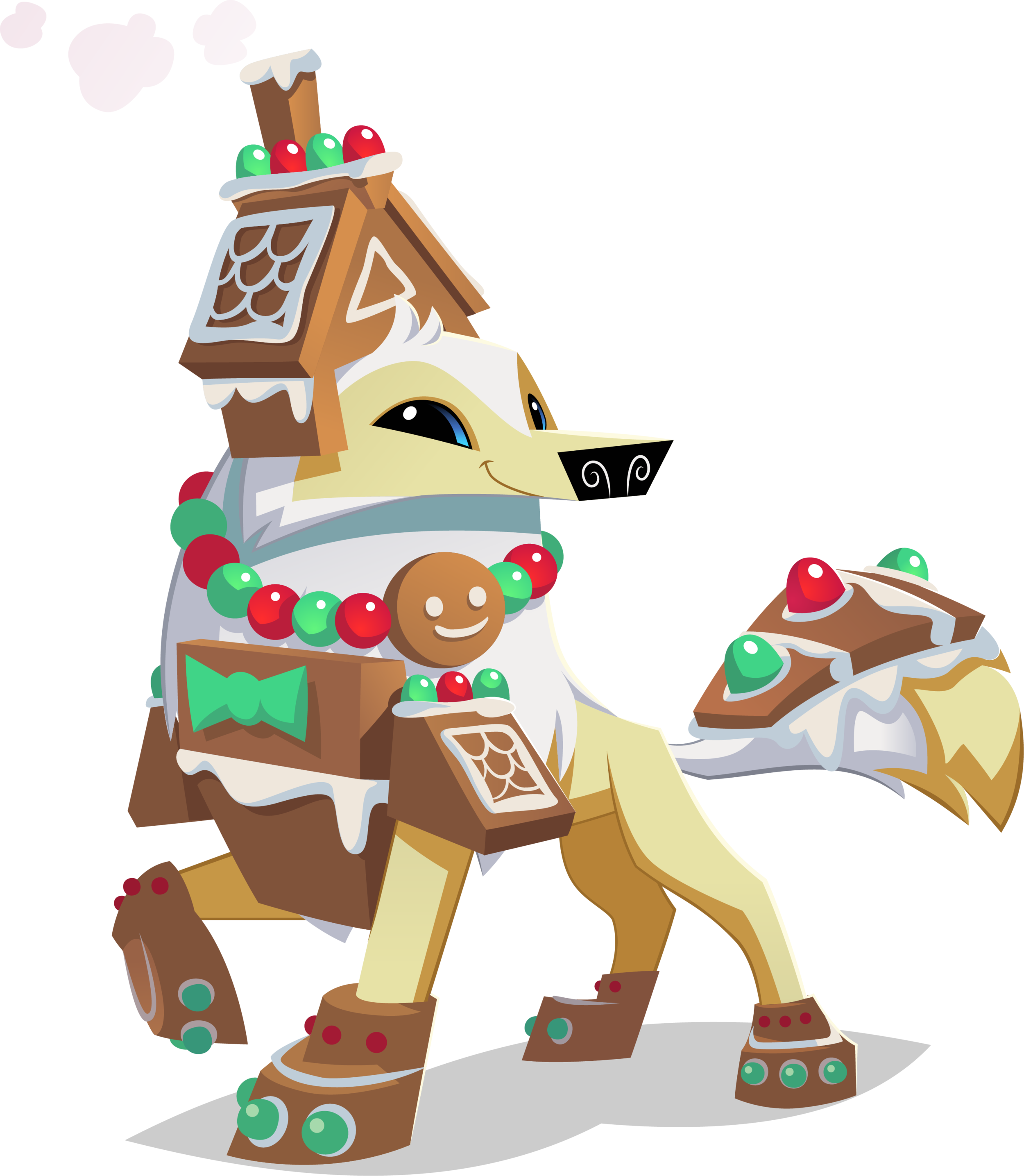
Want to become one of these majestic animals? You can purchase one today in Animal Jam or Animal Jam Classic today!

How to Make Animated AJ Selfies!

Hey guys, Wildivy here! Have you ever wondered how to make your Animal Jam posts look cooler? I have found a solution: Animating the water/fire of the selfie. You can do this for free, and it doesn’t even require much skill to do so. Continue reading this article to find out how, with just three easy breezy steps.

Screen Shot 2020-02-21 at 3.58.13 PM.png

Download the app Pixaloop.

This is the app that I have been using to make my selfie animations. Pixaloop is free, however, there is a professional mode (which personally I don’t use). See the photo below for a picture of the app. 

Screen Shot 2020-02-21 at 3.58.24 PM.png

Click on the Animation button after adding in the photo you want to edit.

Make sure to allow access to your camera roll or you won’t be able to edit anything. See the photo below for what your screen should look like right now. 

Add in paths and anchors.

Screen Shot 2020-02-21 at 3.58.32 PM.png

Draw a “Path” on what you want to be animated. You can choose direction and size, as it is freehanded for whatever path you want. For anchors, place those completely around your path to make sure your whole selfie isn’t moving. See photo below for a finished product of this step.

Now you are done!

Just click export to video and you’ll be finished. 

Now you know the basics of Pixaloop’s animation and can apply it to possible Instagram posts! Hope you enjoyed following this tutorial.

Horses Only! Asset Pack

Hey, Jammers! Are you a fan of horses? If so, this Asset Pack is the one for you! It includes transparent PNG”s of all of your favorite horses and horse themed items! Click the download on the right to download these awesome assets!
Download

Jamaaliday Asset Pack

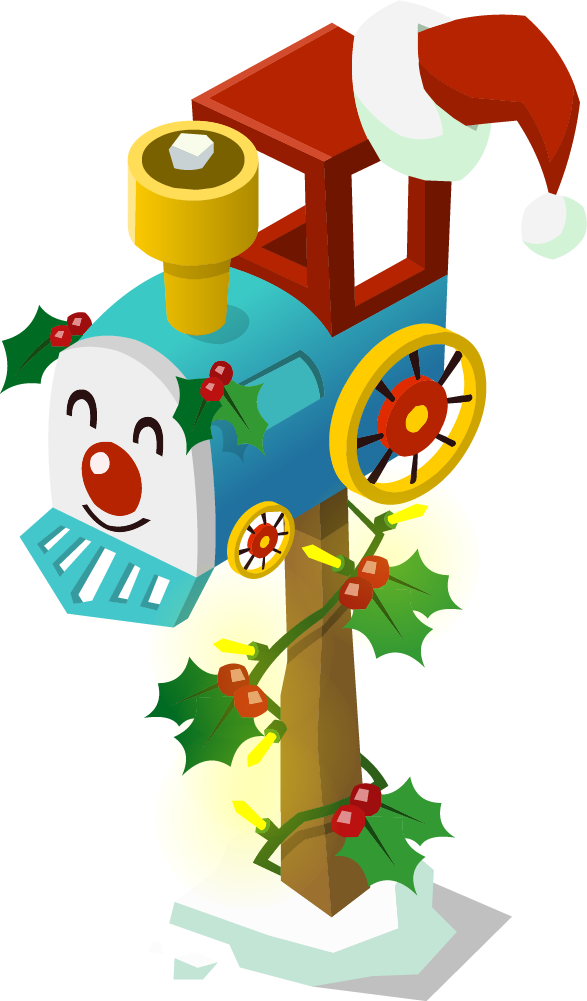
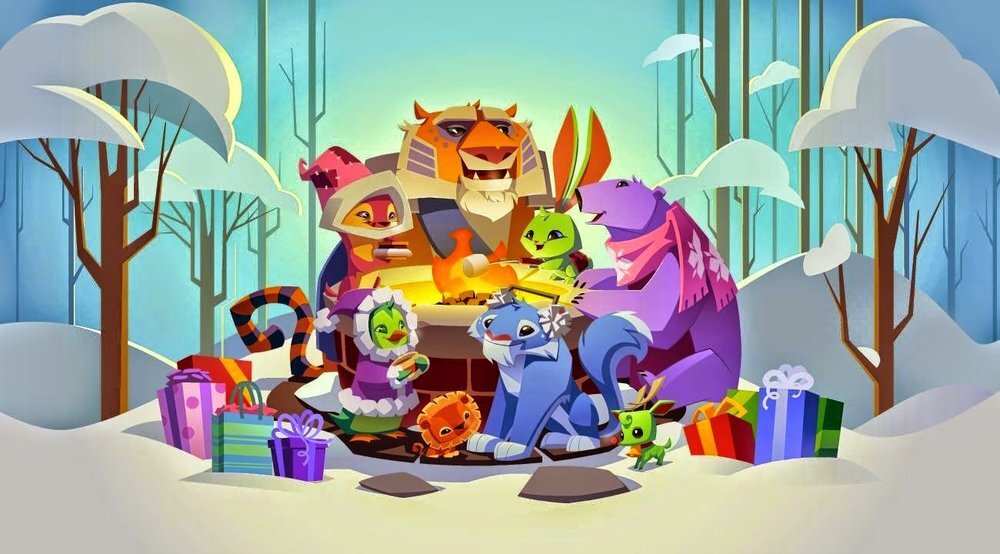
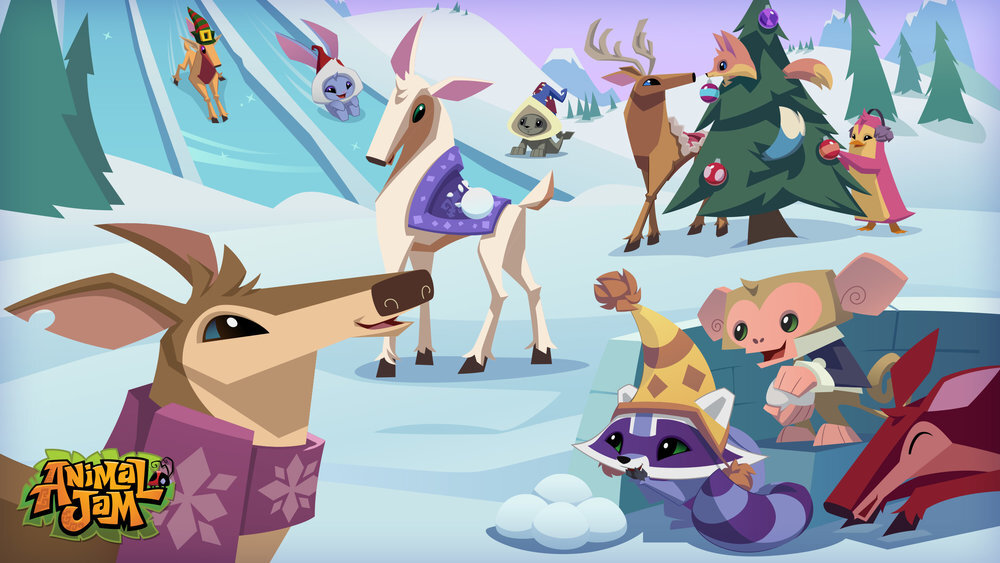
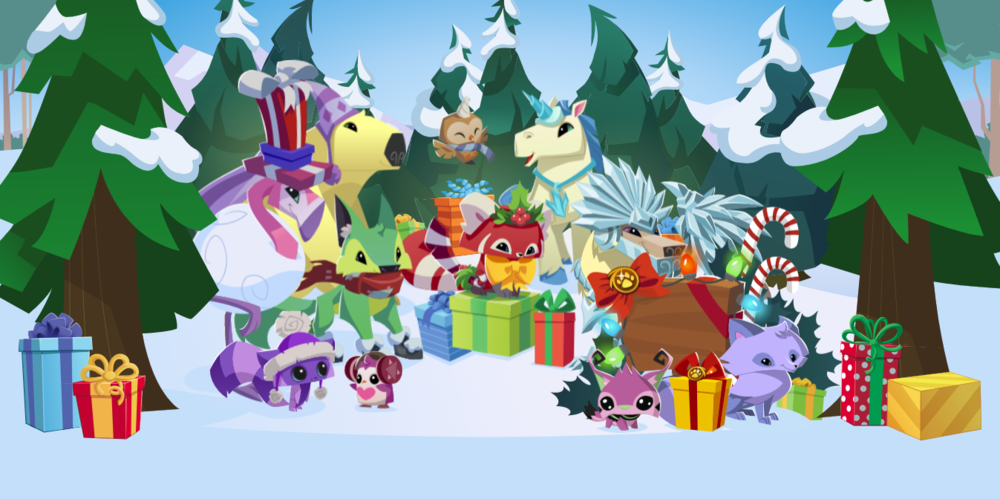
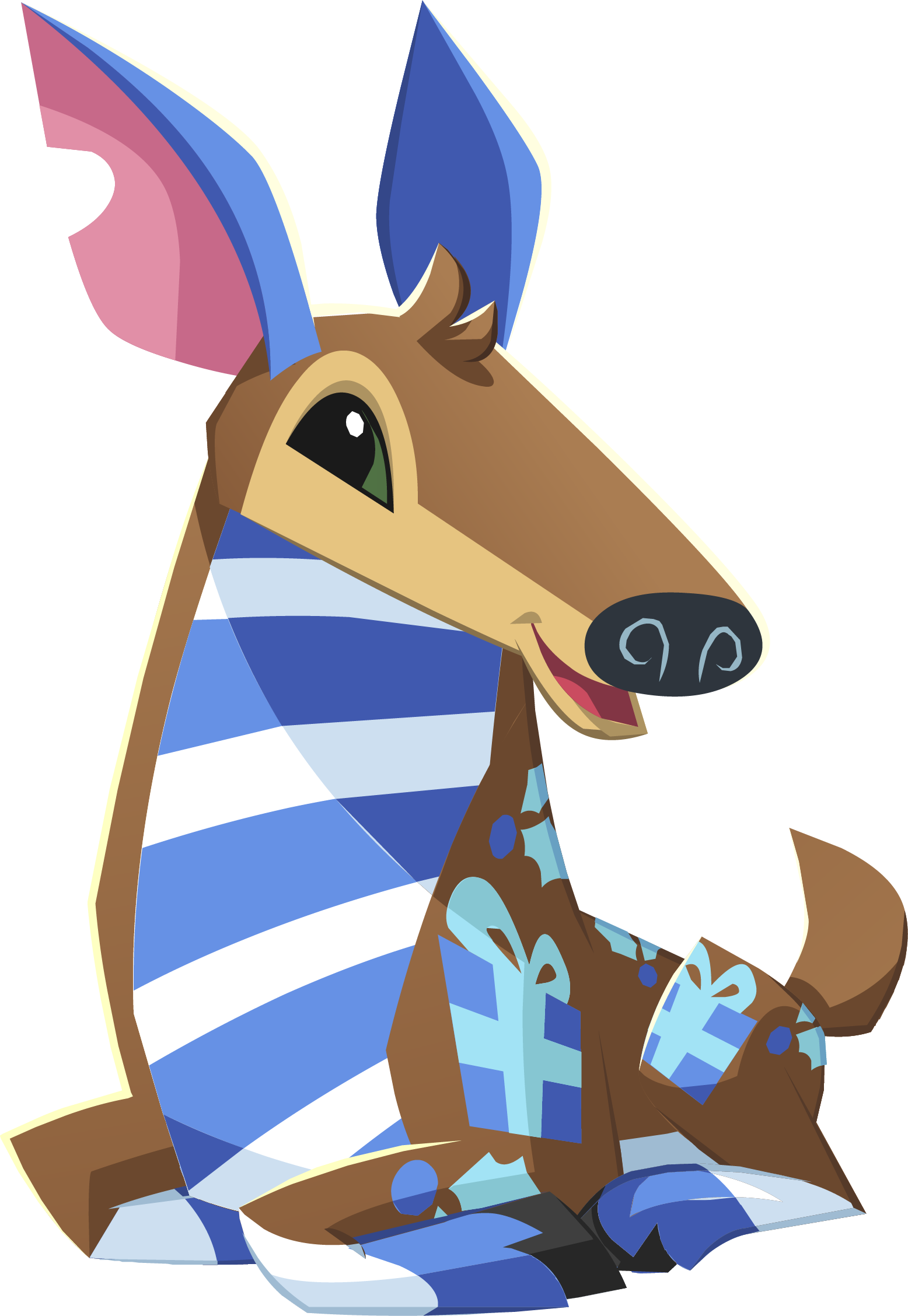
Happy Jamaalidays, Jammers! Here is a little special treat for you to use as you tis the season; this asset pack includes Backgrounds, Animals, Clothing Items and MORE jamaaliday themed assets we have in stock. This asset pack also features a few new EXCLUSIVE den items we have not yet published to our website. Fill free to download this amazing asset pack with the Download button below, or by dragging and dropping the preferred images you would like onto your desktop.

Download